Showing posts with label classroom management. Show all posts
Showing posts with label classroom management. Show all posts
Friday, October 16, 2015
Digital Citizenship Week
Get ready for Digital Citizenship Week, October 18-24! Check out my Digital Citizenship Toolkit with resources, discussion topics, and lesson ideas that can be quickly and easily shared with students.

Tuesday, December 23, 2014
2014 at Village
Dear Village Friends,
It’s during this time of the year that I like to look back and reflect on all that has transpired over the course of the previous 12 months. It’s also the time of year that I make plans for next 365 days. While I did not have a full 12 months with you here a Village, there is so much we have accomplished together. Thank you for learning alongside me and teaching me what I didn’t know (one of my favorite sayings in my position is, “You don’t know what you don’t know.”); I have learned a lot from and with you. Here are some things we accomplished in the four short months (five, if we include the summer...and I do!) we had together in 2014:

|
|
Here’s what we can look forward to in 2015:
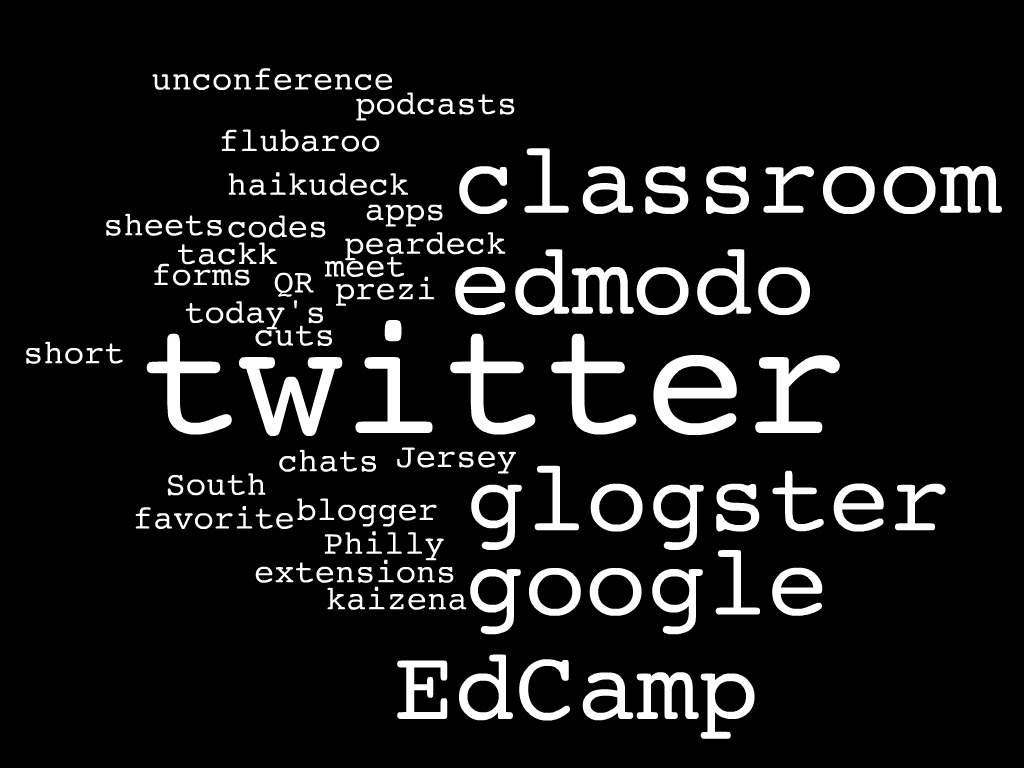
I look forward to continuing our work together in the New Year, whether it be a visit to your flex, a 1 on 1 planning meeting during prep, a weekly standing appointment, co-teaching, modeling, etc.
Stacey
Monday, December 8, 2014
Google Form to Promote Good Student Choices
What are my students doing on their Chromebooks
(or other devices)?
When a student has free choice time in class, we know that there are many wonderful things he or she can do with a Chromebook (or any connected device). Students and teachers may not always see eye to eye about what is an appropriate use of the technology in the classroom, so we want to help our students learn to make good choices about what to do during unstructured time. It is also helpful for us to better understand why they make the choices that they do.
A simple accountability can be used as a formative assessment measure for when students have free choice during class -- to remind them that what they are doing on their Chromebooks during unstructured time is important and should be academic. Teachers can have students fill out the form at the completion of the free choice time, when transitioning back to lesson activities or at the end of the class period.
The following is a sample form that can be linked or embedded in a teacher's webpage or shared with students to add to their bookmarks. Forms can be customized to include choices given in individual classes and collect information that is meaningful to each individual teacher.
What do I do with the data I collect?
The information filled out in the form will be collected in a Google Spreadsheet. From there, teachers can track and trend student choices as well as read their explanations for why the students are making those choices. This information can become the foundation for future whole group, small group, or individual lessons in class. It can also lead to meaningful conversations about what kinds of activities students should be choosing in class.
Forms can also be shared across teams or grade levels to compare student choice activities in different classes. Teachers may encourage students to try different activities when they have the choice, or may learn of new sites, apps, and extensions through what the students share in the form.
If you would like help creating a form like the one above or implementing this into your classroom routine, please let us know.
If you use already use a Google Form for a reason similar to the one in this post, please share your experiences in the comments section below.
Subscribe to:
Posts (Atom)